

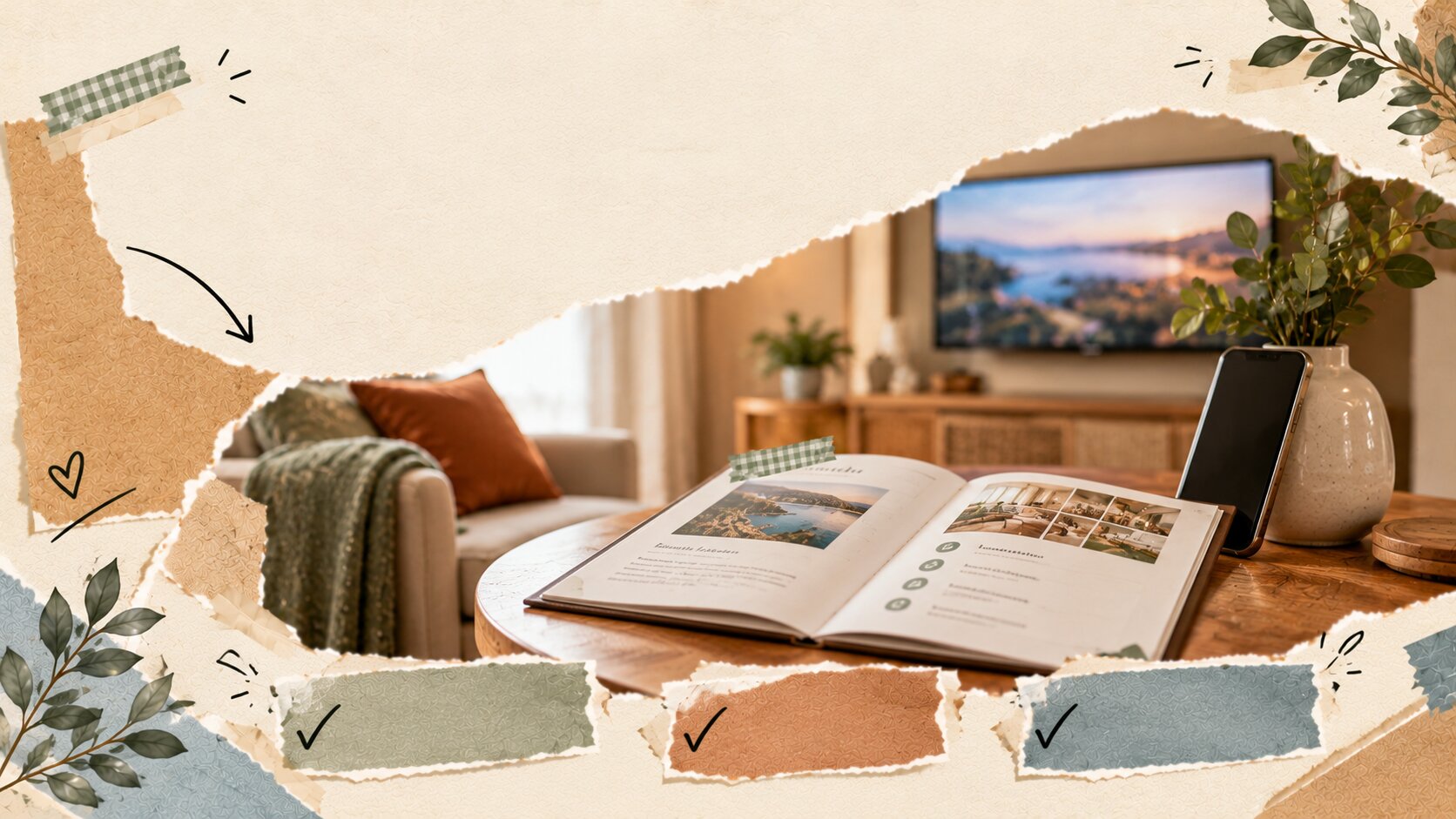
A host asked in a hosting forum recently whether anyone actually uses the TV to show guests recommendations, and the replies split hard in both directions. That split is basically the whole decision: there isn't one right answer here, there's a right answer for your specific property and guest type. I've set up all three approaches across different projects, so here's what each one actually delivers, not just what it claims to.
The three options
1. A digital guidebook app (Touch Stay, Hostfully, or similar): a QR code by the door opens a mobile-friendly guide with house instructions, WiFi info, and local recommendations, no app download required for the guest.
2. A smart TV welcome screen: a Fire TV Stick or the TV's own app store running a screensaver-style app that displays WiFi info, house rules, and recommendations when the TV is idle.
3. A printed welcome book: a physical binder or booklet on the counter or coffee table with the same information, laid out by category.
How they actually compare
| Feature | Digital Guidebook | Smart TV Screen | Printed Welcome Book |
|---|---|---|---|
| Setup time | 1–2 hours | 2–4 hours (device setup + app config) | 3–5 hours (design + printing) |
| Cost | $10–30/month subscription | $30–50 one-time (device) + free/low-cost app | $20–40 printing, one-time per revision |
| Guest engagement | High if the QR code is visible at check-in | Medium, easy to miss if guests don't turn on the TV | Medium-high, but drops off after the first read |
| Update speed | Instant, edit from your phone | Fast, but requires re-syncing the app | Slow, requires reprinting |
| Works with no WiFi | No | No | Yes |
| Best for | Hosts who update recommendations often | Properties where guests spend evening time in the living room | Hosts who want something tactile and don't mind occasional reprints |
What actually gets used, based on what I've seen
The digital guidebook wins on flexibility. If you change your recommended restaurant list every season, or you're managing several properties with slightly different instructions, editing from your phone beats reprinting anything. The catch is entirely about visibility: if the QR code isn't physically in a guest's eyeline within the first five minutes of arrival, most won't seek it out later.
The smart TV screen is genuinely underrated for one specific guest type: people settling in for the evening who leave the TV on as background. It catches attention passively in a way a QR code on a counter doesn't. The tradeoff is that it does nothing for a guest who doesn't turn the TV on until their last night, which is more guests than you'd think.
The printed book still wins on one thing nothing else does: it works when the WiFi doesn't, and it requires zero guest effort or tech literacy to use, which matters more than people assume for older guests or international travelers on a different mobile carrier.
The setup that actually performs best
Don't pick one. The properties I've seen get the best reviews for "easy check-in" and "clear instructions" combine a printed one-page card with the absolute essentials (WiFi password, door code, one emergency contact) with a digital guidebook QR code for everything else. That page works with no WiFi, takes five minutes to make, and solves the exact failure point that a purely digital system has.
About the author: Terry Batt is a writer and business developer with six years of experience working alongside hosts and property teams on the small operational choices that shape a guest's first impression.
Part of our guide: Guest Experience for Airbnb Hosts
Share this article & image
Social link previews use this article image when supported by the receiving app.
Explore Guest Amenities
Hosting and design notes in your inbox
Subscribe to the DNA Interiors newsletter for practical hosting resources.
Join the newsletter