

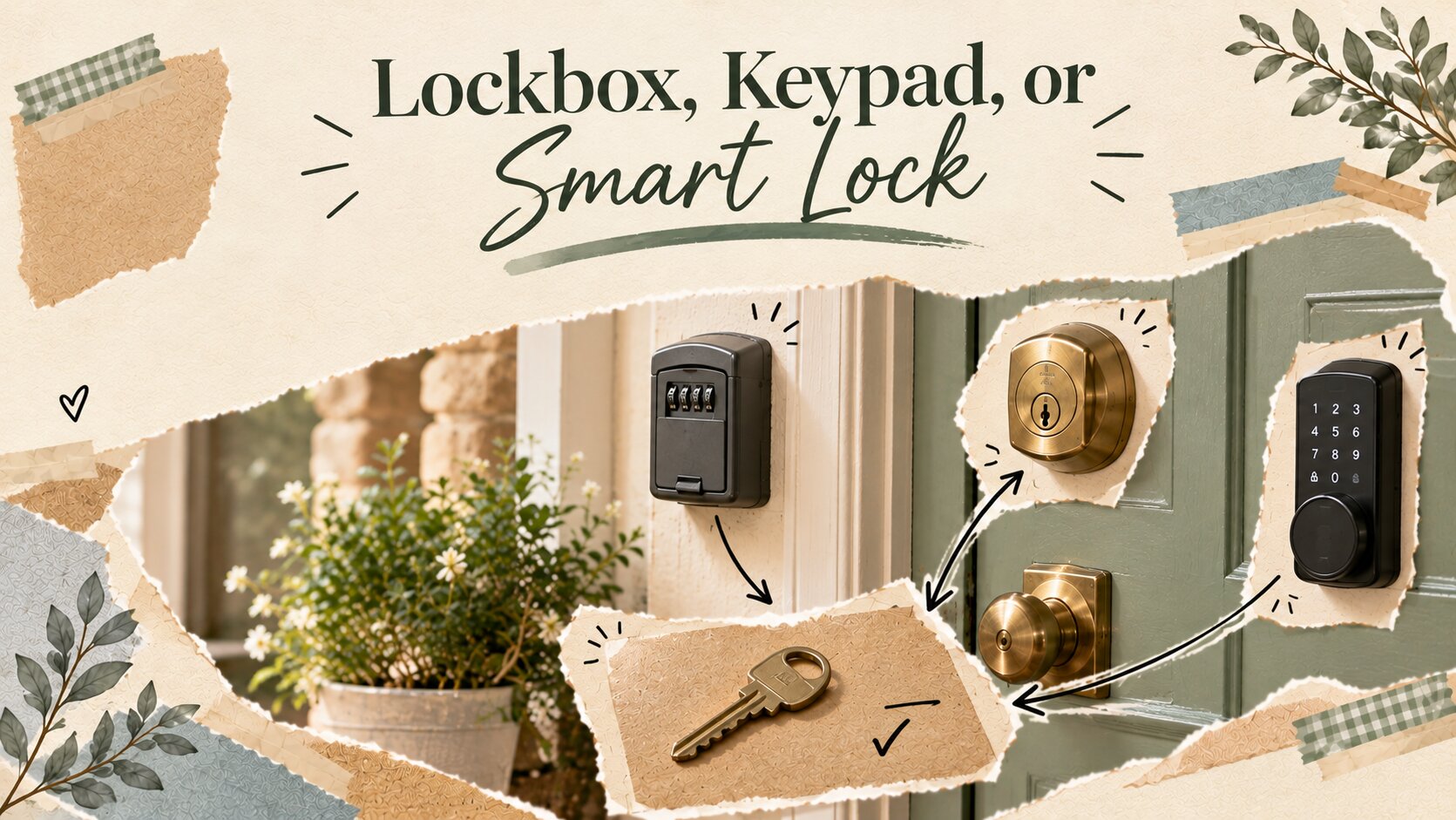
Every host eventually asks the same question, usually right after a guest calls at 11pm because they can't figure out the door. The three main options they think about: a lockbox, a keypad fob system, and a full smart lock.
They all need to solve the same basic problem in genuinely different ways, and the "best" one depends more on your specific setup than most buying guides let on.
Here's the honest comparison.
The three options, side by side
| Feature | Lockbox | Keypad / Fob | Smart Lock |
|---|---|---|---|
| Upfront cost | $20–$40 | $60–$150 | $150–$350 |
| Requires WiFi | No | No | Usually yes |
| Code changes per guest | Manual, by you | Manual or semi-automated | Fully automated |
| Works with an HOA/condo lock | Sometimes, check first | Usually needs door replacement | Usually needs door replacement |
| Remote management | Not possible | Limited | Full remote control |
| Failure point | Lost key or forgotten combination | Battery in the keypad | Battery + WiFi + app all need to work |
| Best for | Single property, hands-on host | A few properties, host does some traveling | Multiple properties or fully remote hosting |
Lockbox: cheap, dumb, and reliable in the specific way that matters
A lockbox is just a small safe holding a physical key. It's the least glamorous option and also the hardest to fully break, because there's no battery, no app, and no WiFi dependency standing between a guest and their key. The tradeoff is entirely manual: you're changing the combination yourself between every guest, and if you forget, the previous guest's code still works for the next one.
This is the right call if you're hosting one property, you're local enough to swap the combination in person or you trust your cleaner to do it, and you'd rather deal with a slightly clunky guest experience than a tech failure at the worst possible time.
Keypad or fob systems: the middle ground that's easy to undersell
A keypad replaces your existing deadbolt with one that takes a numeric code instead of a key. Some versions sync with your booking software to auto-generate a new code per reservation; cheaper versions still require you to set the code manually. Either way, guests get a cleaner experience than fumbling with a lockbox, and you get a system that doesn't depend on an app or WiFi to function day-to-day.
Where this option quietly wins: it's the most failure-resistant option that still feels modern to a guest. No WiFi outage can lock someone out, because the lock itself doesn't need the internet to work, only the (optional) syncing feature does.
Smart locks: the most capable option, and the most that can go wrong
A true smart lock connects to your WiFi or a hub, generates a unique code per guest automatically, and lets you remotely lock, unlock, or check status from anywhere. If you're managing a property you can't physically visit, this is close to essential, it's the only option in this list that lets you grant or revoke access without being there.
The honest tradeoff: more moving parts means more ways for it to fail on the one night it matters. A dead battery, a WiFi outage, or an app update gone wrong can lock a guest out in a way that's much harder to solve remotely than "here's the lockbox code, use it manually." If you go this route, always keep a physical backup key in a lockbox as a fallback, not as an either-or choice.
Which one to actually pick
If you're hosting remotely or managing more than one property, a smart lock is worth the cost and the added failure points, because the alternative (driving over to let someone in) doesn't scale. If you're hosting one property nearby and want to keep things simple and cheap, a lockbox is genuinely fine, don't let anyone talk you into "upgrading" for its own sake. The keypad sits in between and is underrated for exactly that reason: fewer failure points than a smart lock, better guest experience than a lockbox.
About the author: Mathew Akhill is a blogger and a software analyst with experience working with MIT institutions for 7 years.
Part of our guide: Guest Experience for Airbnb Hosts
Rent Ready goes into more detail on choosing and setting up guest access, including lockboxes, keypads and smart locks, to help you plan a reliable check-in experience.
Share this article & image
Social link previews use this article image when supported by the receiving app.
Explore Guest Amenities
Hosting and design notes in your inbox
Subscribe to the DNA Interiors newsletter for practical hosting resources.
Join the newsletter